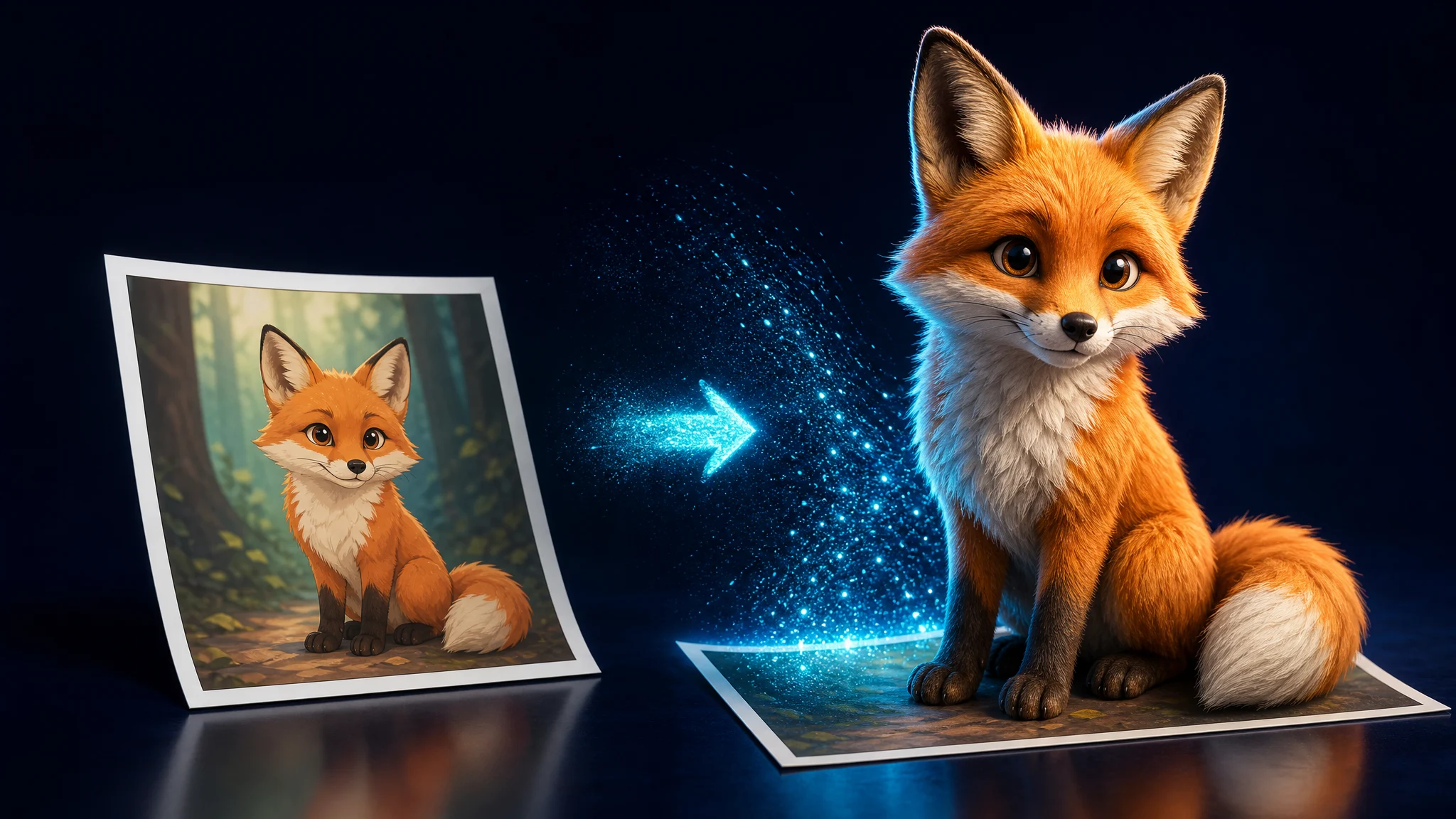
Convert images into 3D models with Image to 3D AI
Upload a photo, sketch, or reference image and generate a textured 3D model for games, prototyping, or 3D printing in seconds.
Create 3D Models From Photos and Pictures
Upload a photo or reference image and generate a complete 3D model in seconds.
Convert 2D Images Into 3D Models
Convert a drawing, sketch, logo, or flat design into a beautiful 3D model.
High Detail 3D Outputs
Create AI-generated characters, props, and objects with incredible detail and unmatched realism, captured straight from your image.
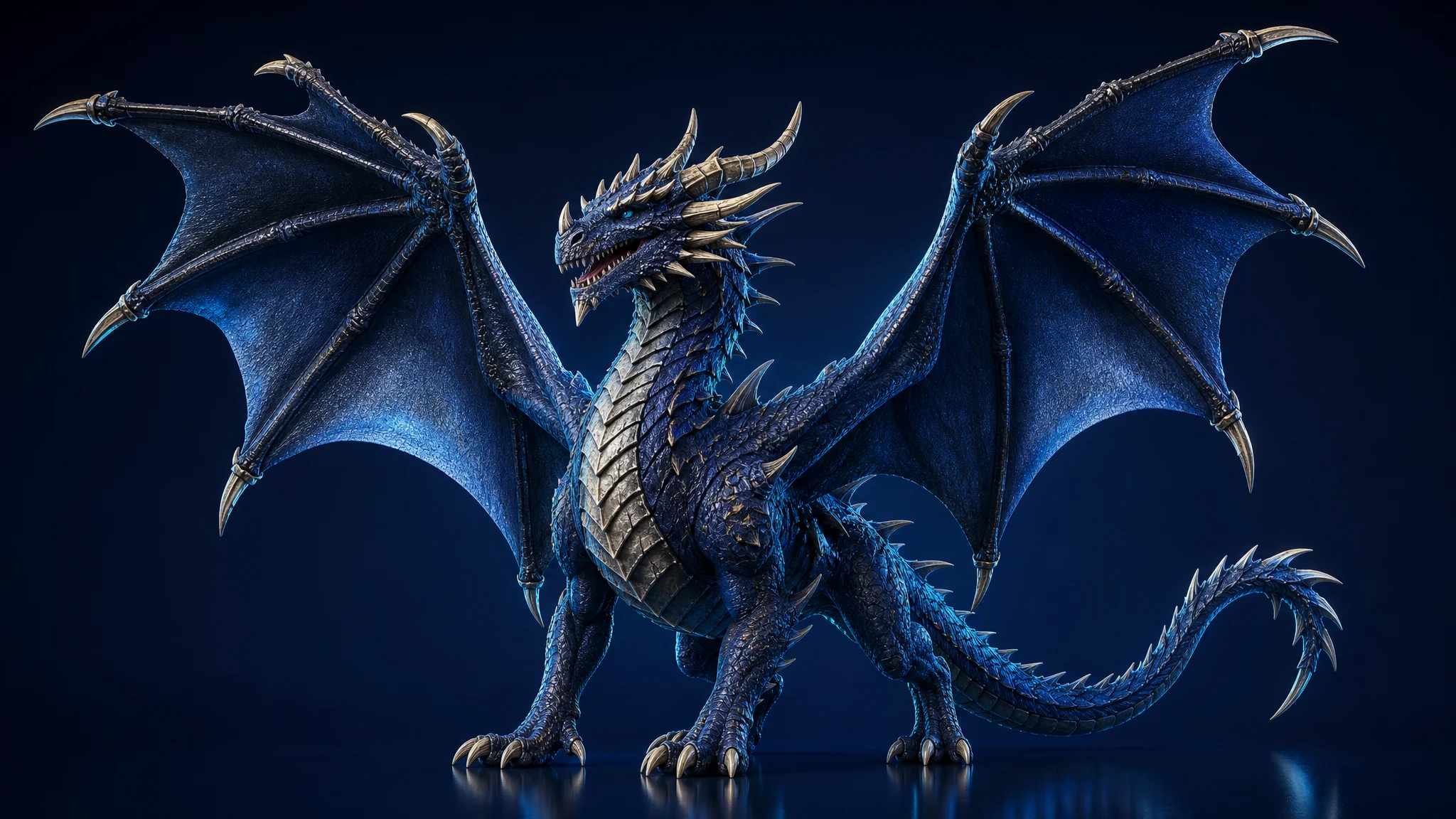
Clean Edges and Clear Shapes in Generated 3D Models
Generate 3D models with crisp edges and clean shapes, holding incredible precision and accuracy in every converted mesh.
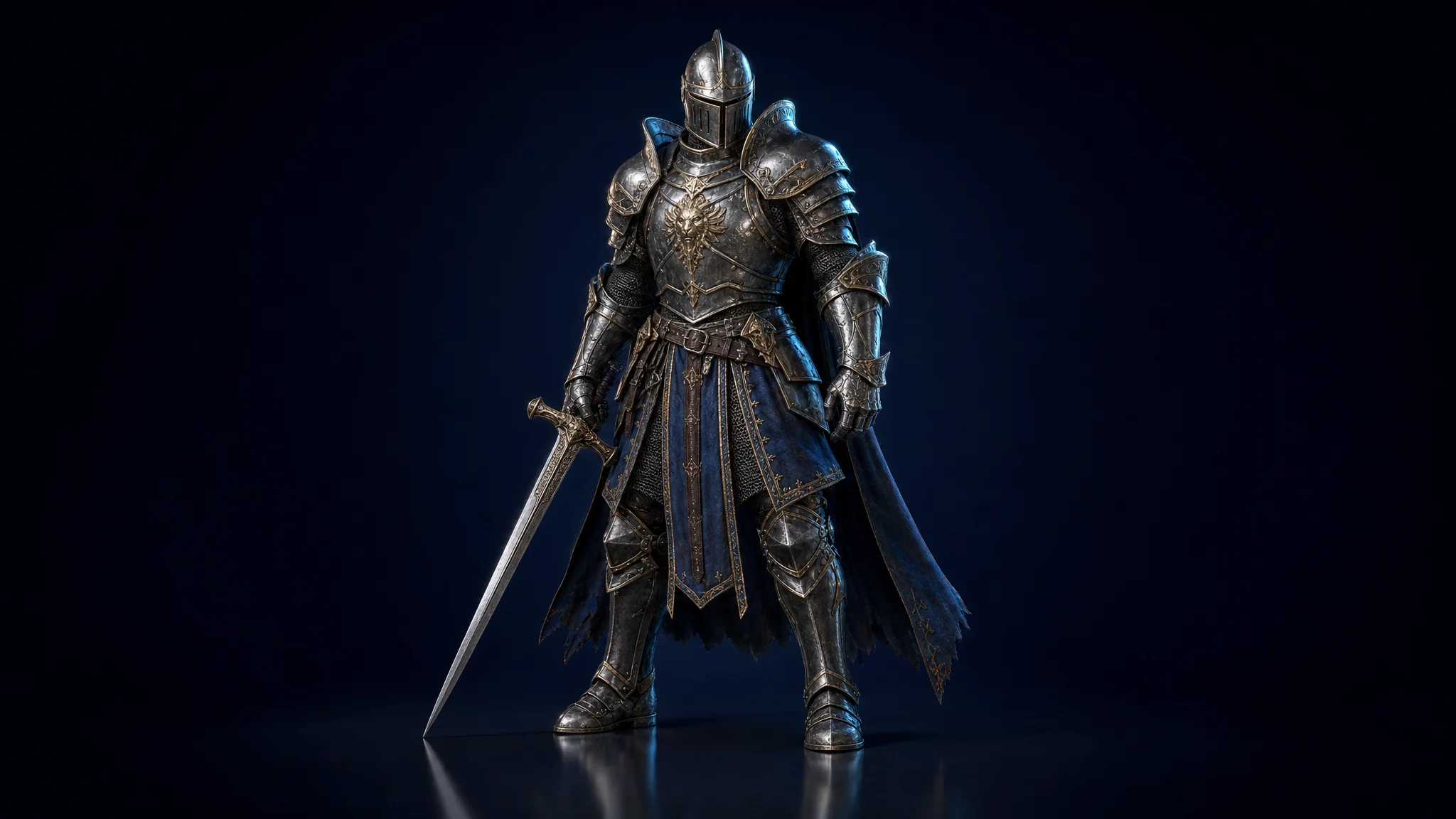
Reliable 3D Geometry From a Single Image
Super simple conversion from image to 3D with amazing tools and clean geometry — reliable 3D meshes from just one input picture.
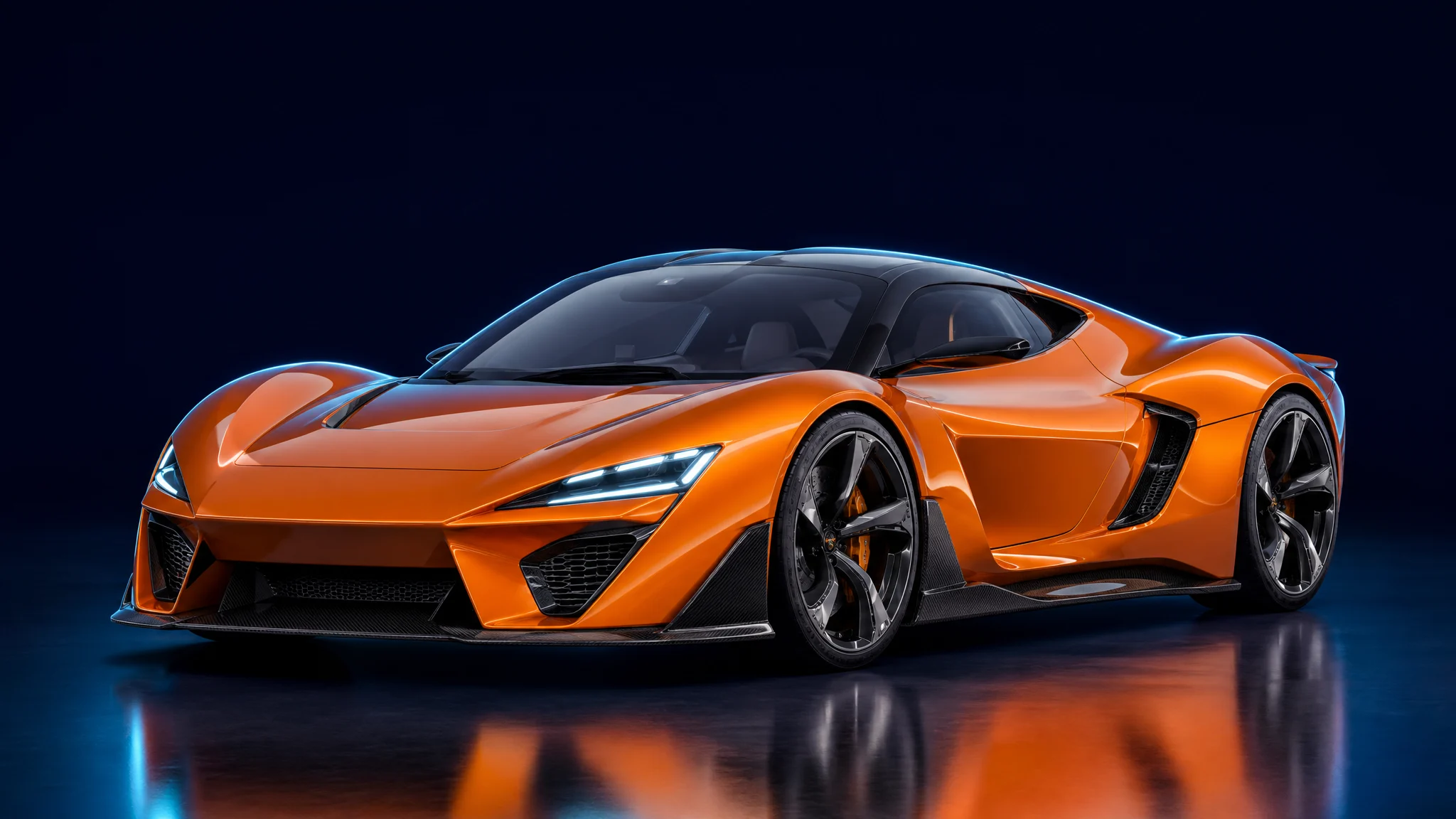
Faithful to the Original Image and Proportions
The 3D model keeps the overall style, shapes, and proportions of the source image for an accurate result every time.
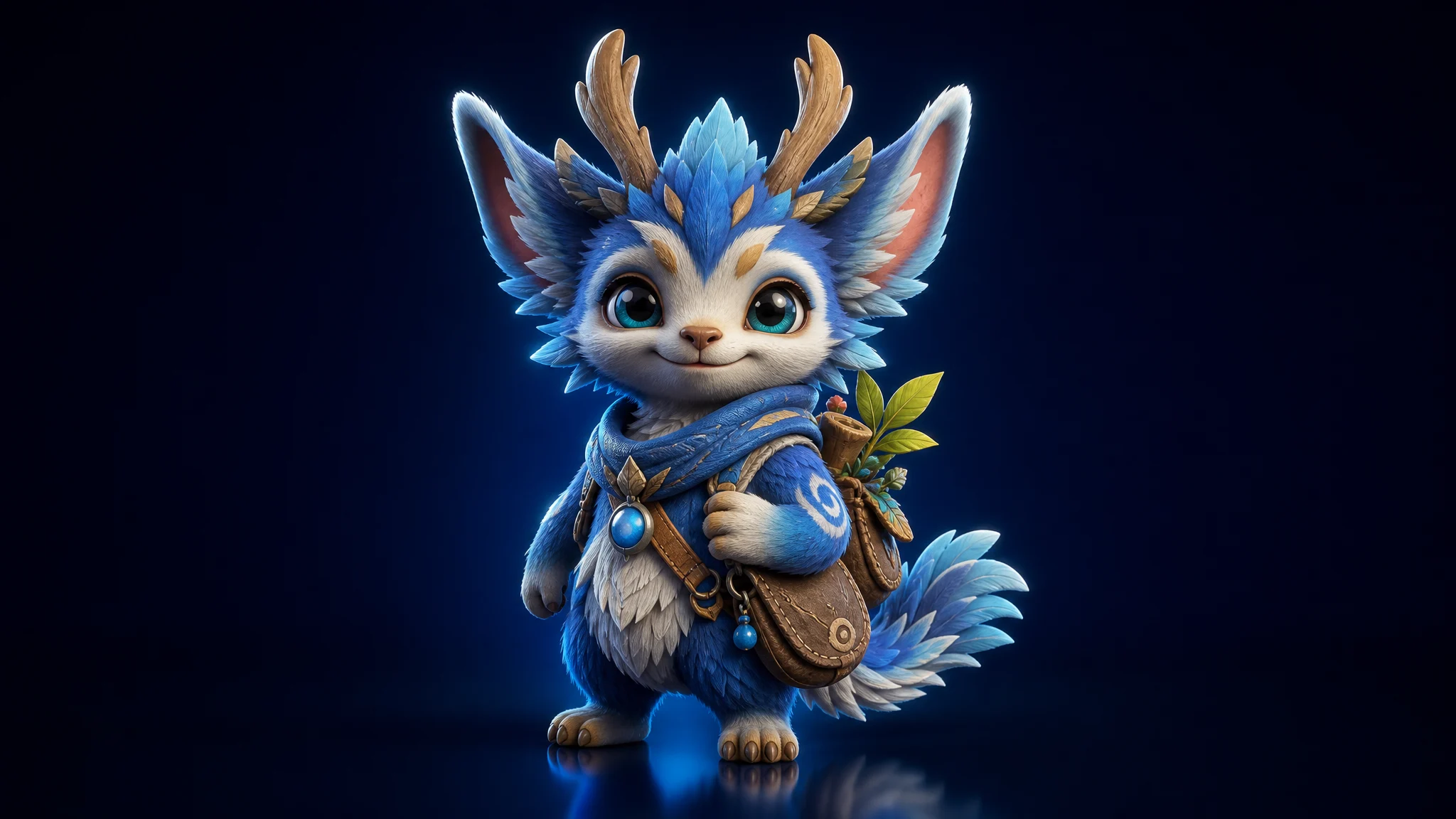
Ready for Game Engines
Export clean .fbx, .glb, or .obj files that drop straight into Unity, Unreal, Godot, Roblox Studio, and more.
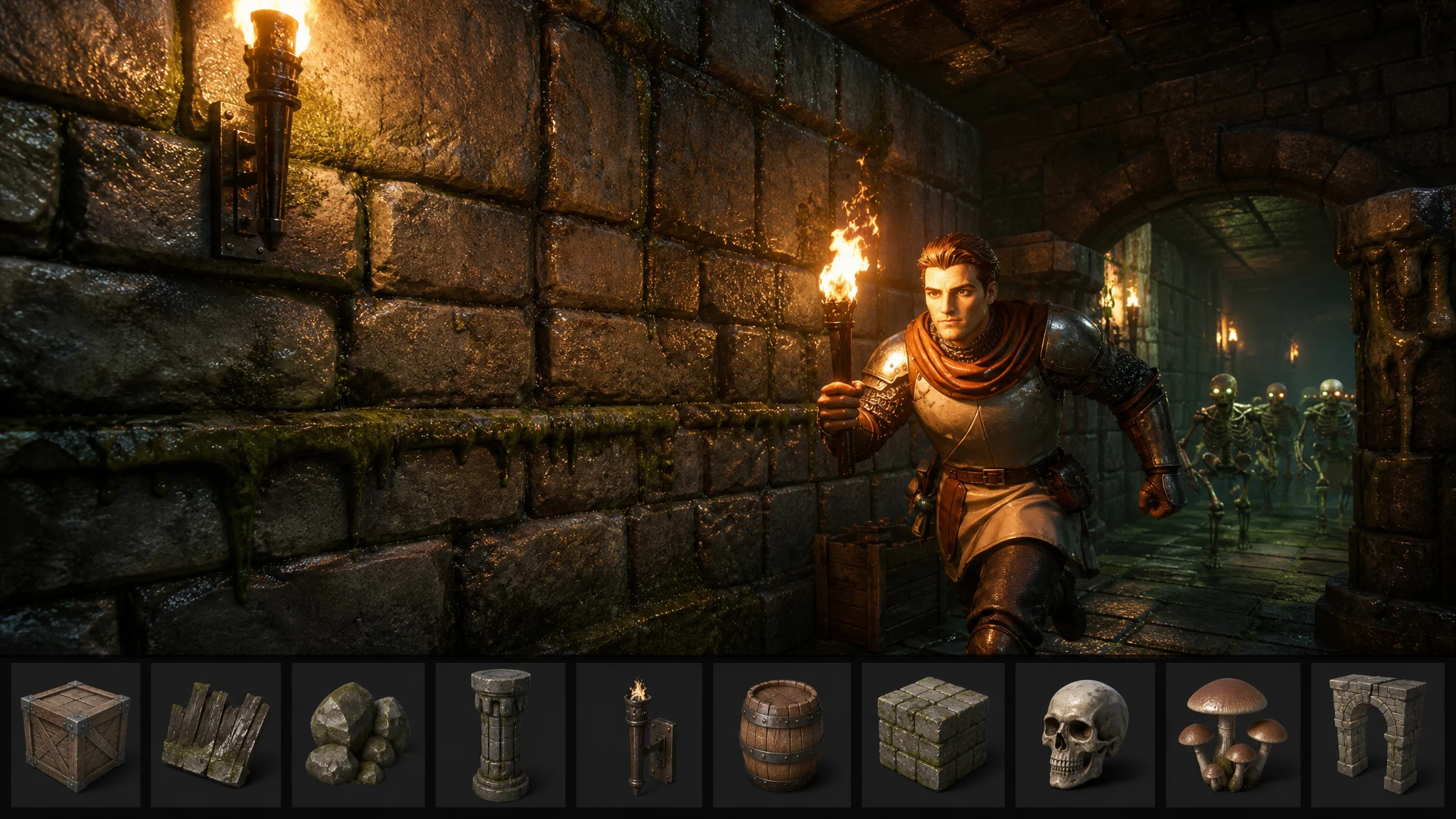
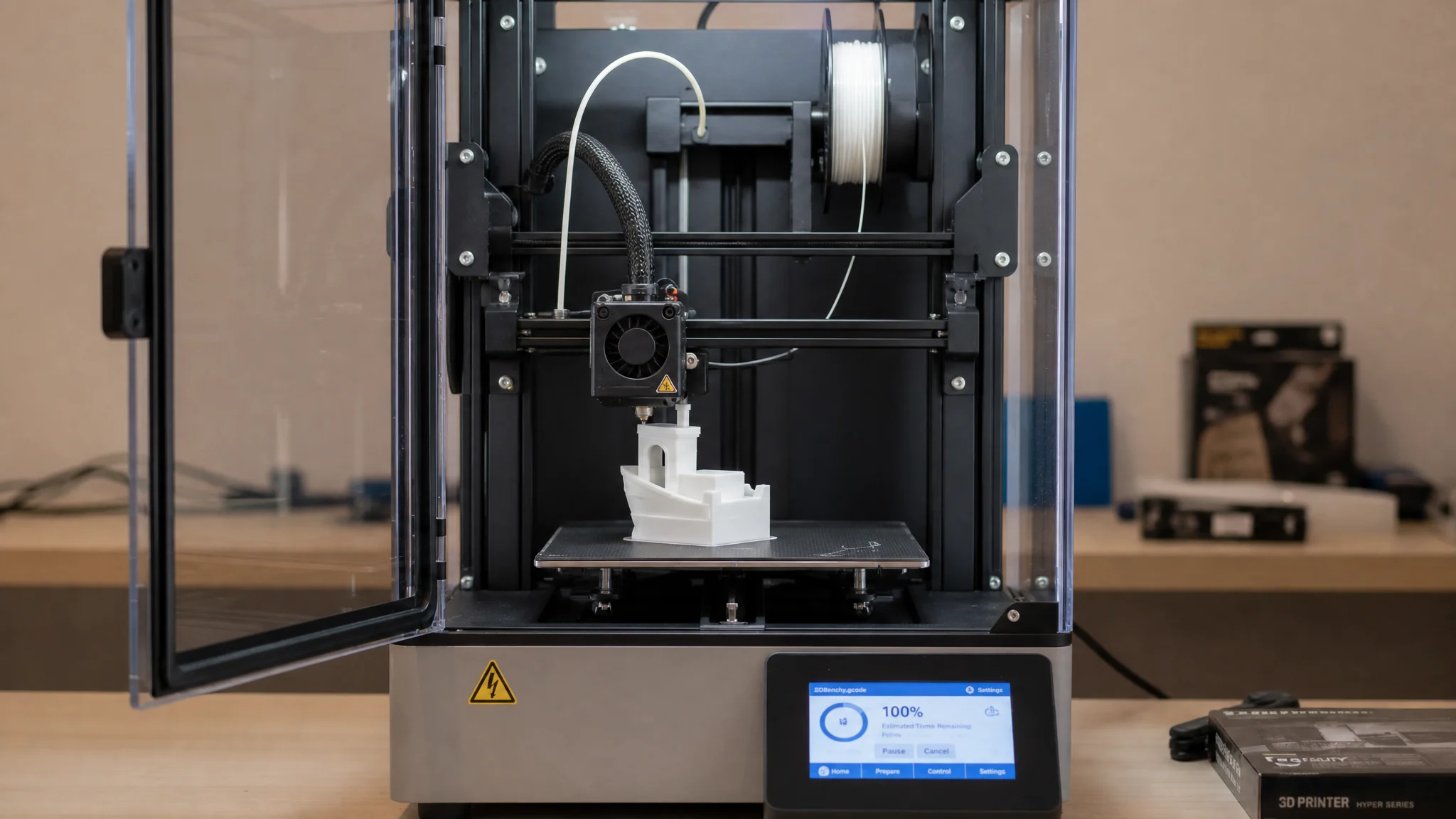
Great for 3D Printing
Get watertight models with solid forms that print well, even at small sizes.
From a single image to a ready-to-use 3D model
Explore 3D models our Image to 3D AI generated from a single photo or picture — characters, props, products, and more.
Fantasy dragonKnight characterStylized creatureSports car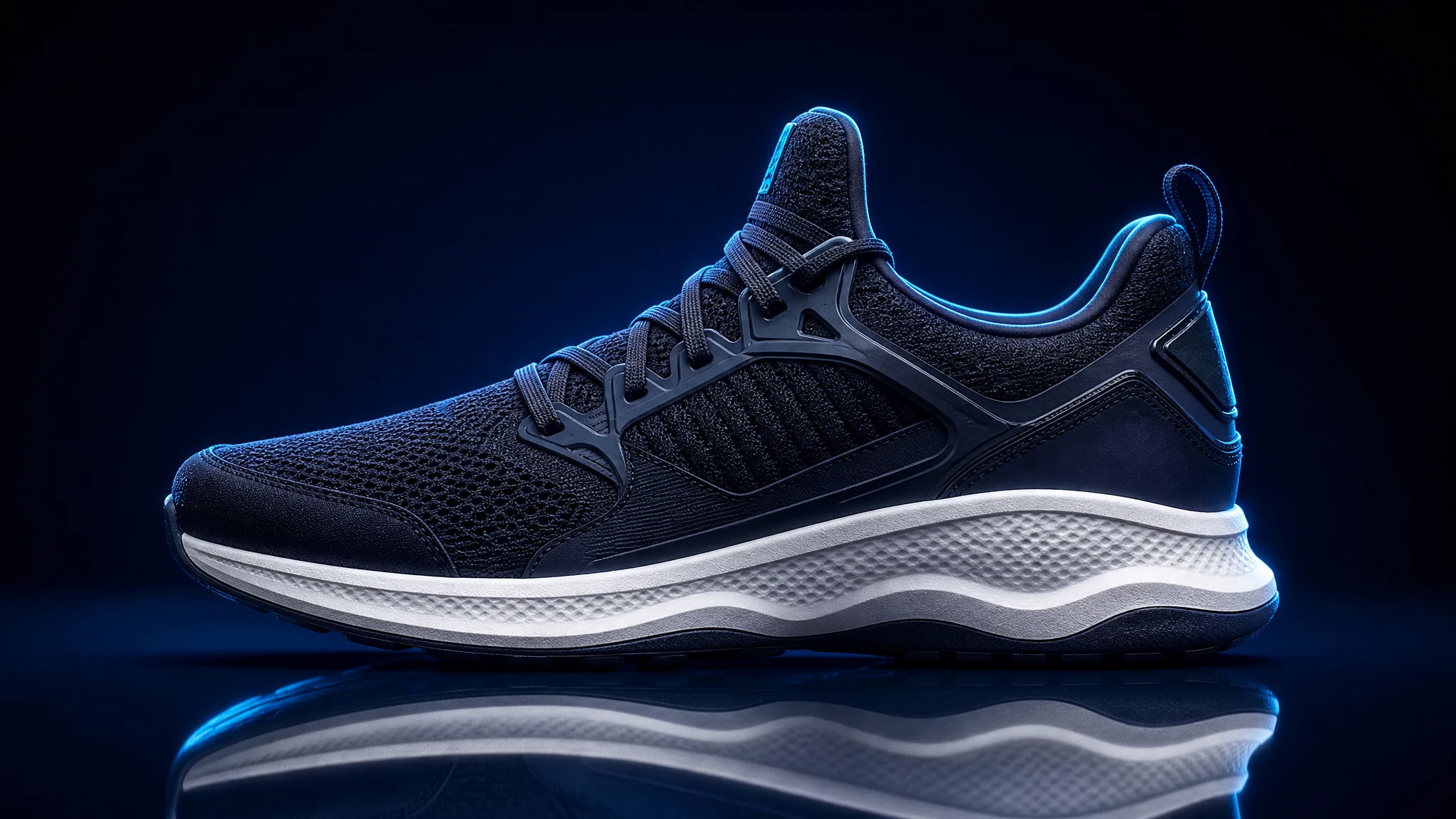 Sneaker product
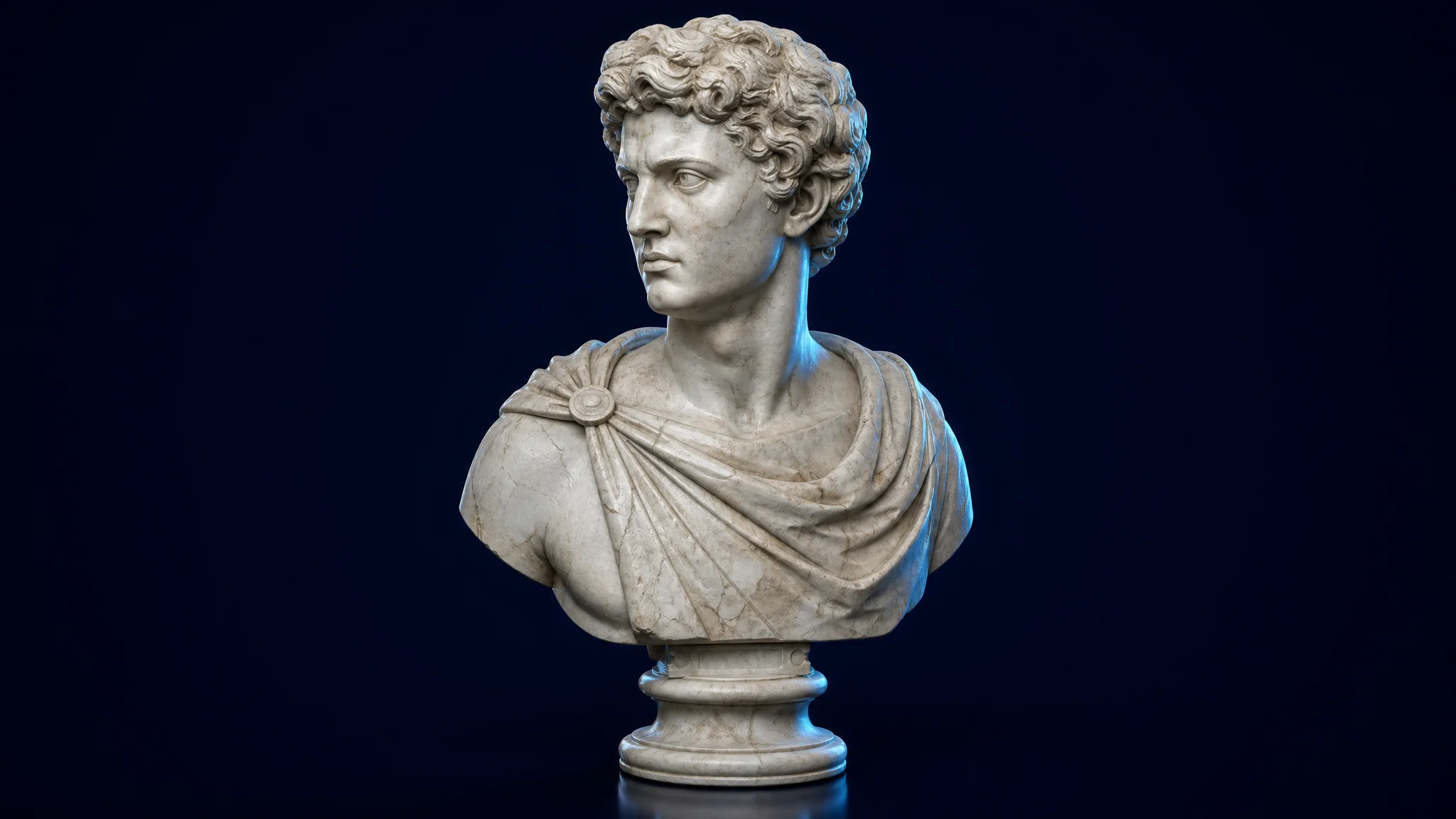 Classical statue
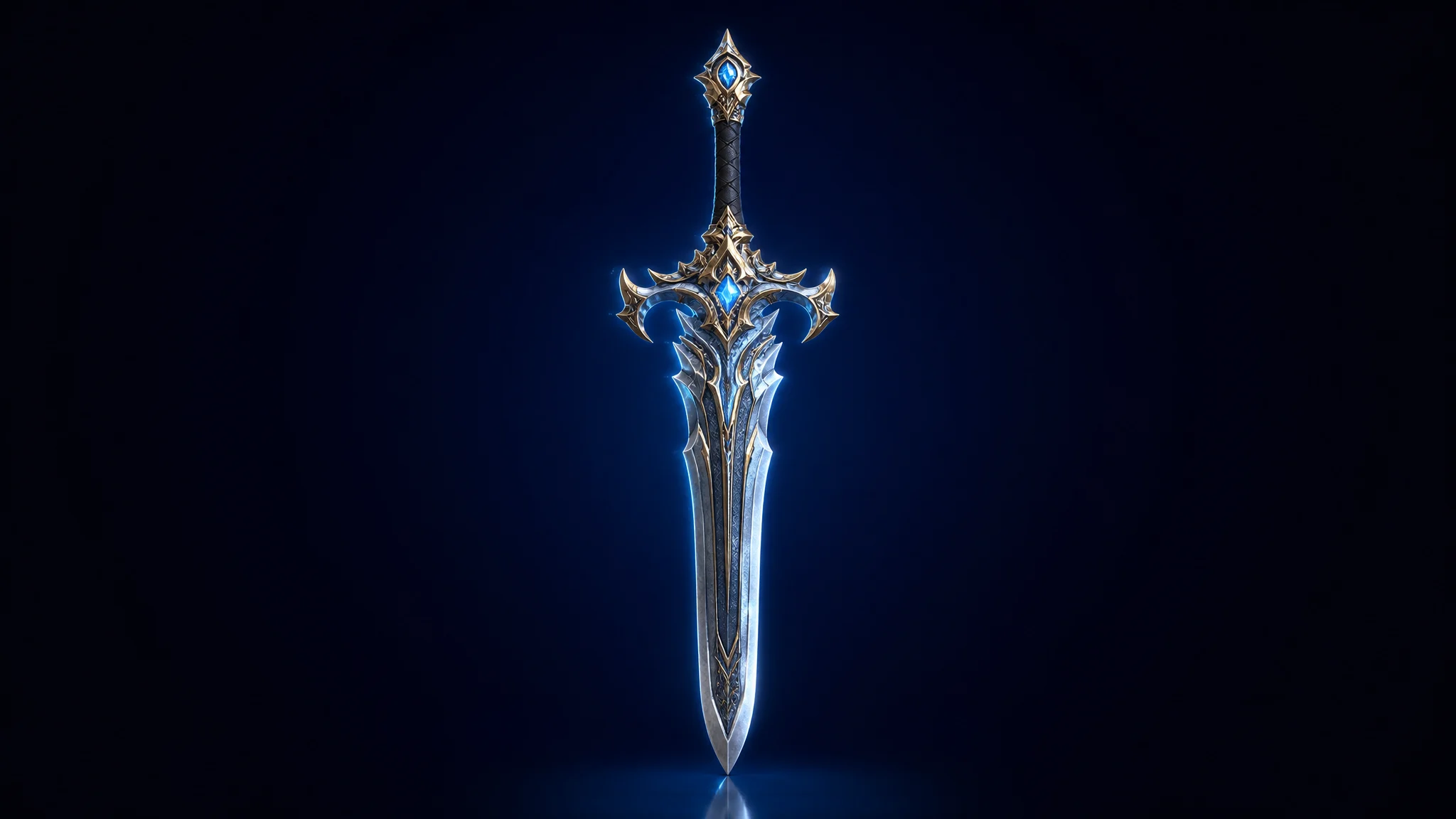 Game weapon
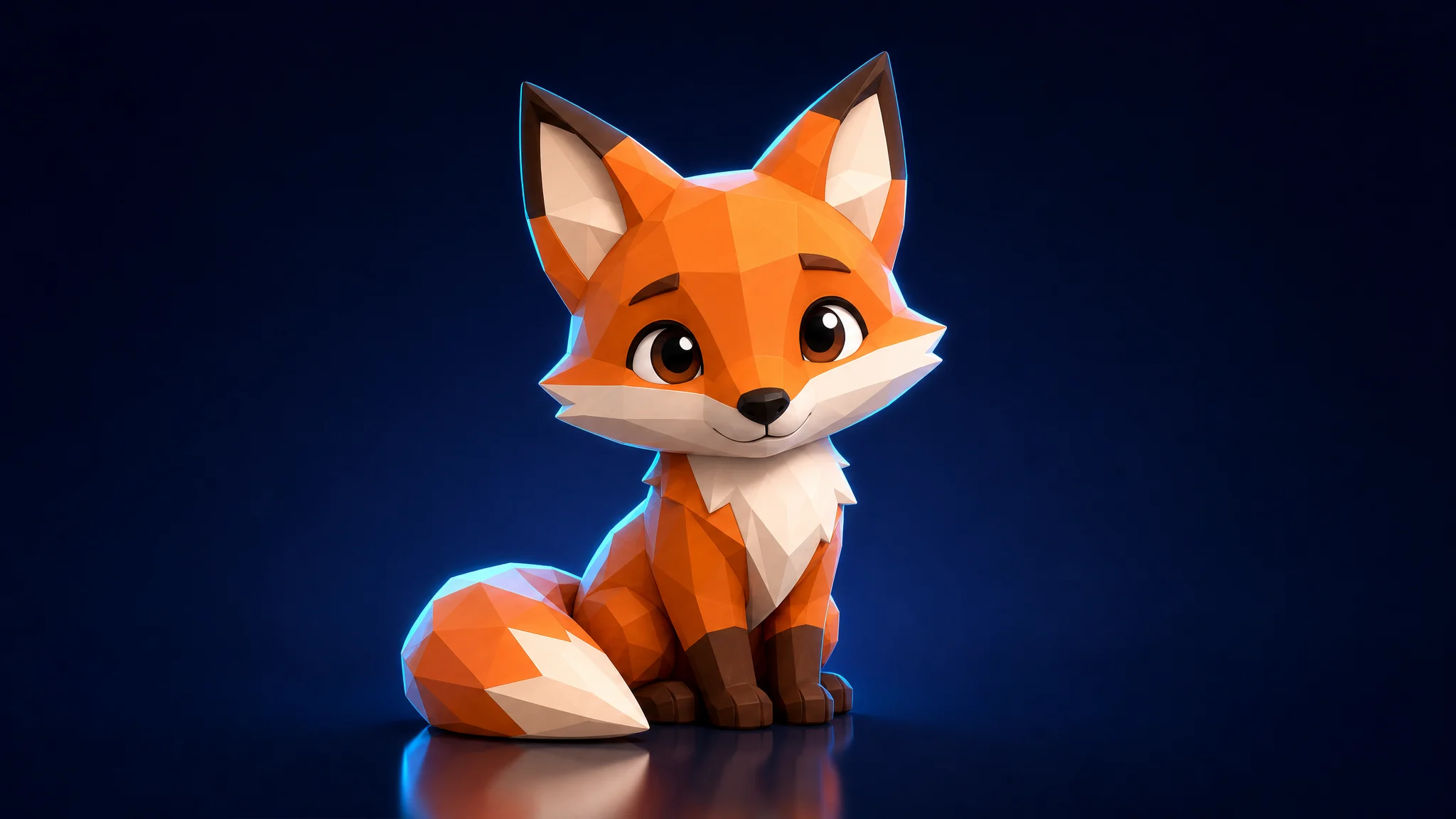 Cute fox
How to Convert Images to 3D Models
Go to our Image to 3D tool and simply drag and drop your file into the upload zone. We support major formats including JPG, PNG, and WEBP (Max file size: 20MB).
Hit “Generate” to convert your image to 3D. Within moments, the tool creates detailed geometry and textures automatically, no 3D modeling skills or external software required.
Once finished, click download to save your new OBJ file. Turn a static 2D image into a usable 3D asset in seconds, saving you hours of manual modeling time.
One image to 3D tool, many workflows
Export ready-to-use 3D models as GLB, OBJ, FBX, STL, or USDZ.
Game Development
Drop converted 3D models into Unity, Unreal, Godot, or Roblox as GLB and FBX assets.
3D Printing
Generate watertight STL and OBJ models from an image, ready to slice and print.
E-Commerce
Turn a product photo into an interactive 3D model and USDZ for AR shopping.
Product Design
Convert sketches and concept images into 3D models for fast prototyping.
Image to 3D questions, answered
Image to 3D is an AI tool that converts a 2D photo or sketch into a textured 3D model you can download and use right away.
Upload your image, click Generate, and download the file. It is three steps and takes only seconds to convert an image to a 3D model.
You can upload JPG, PNG, WebP, and HEIC images up to 20MB for 3D model generation.
Export your 3D model as GLB, OBJ, FBX, STL, or USDZ — ready for Blender, Unity, Unreal, and Roblox.
Yes. The Image to 3D generator is free to try, with unlimited generations on the free tier.
Yes. The clean, low-poly-friendly geometry imports straight into Unity, Unreal, Godot, and Roblox.
Yes. Each 3D model is watertight with solid forms suitable for slicers and 3D printing.
Most 3D models generate in seconds, and the output stays faithful to the original image’s shape, proportions, and texture.
